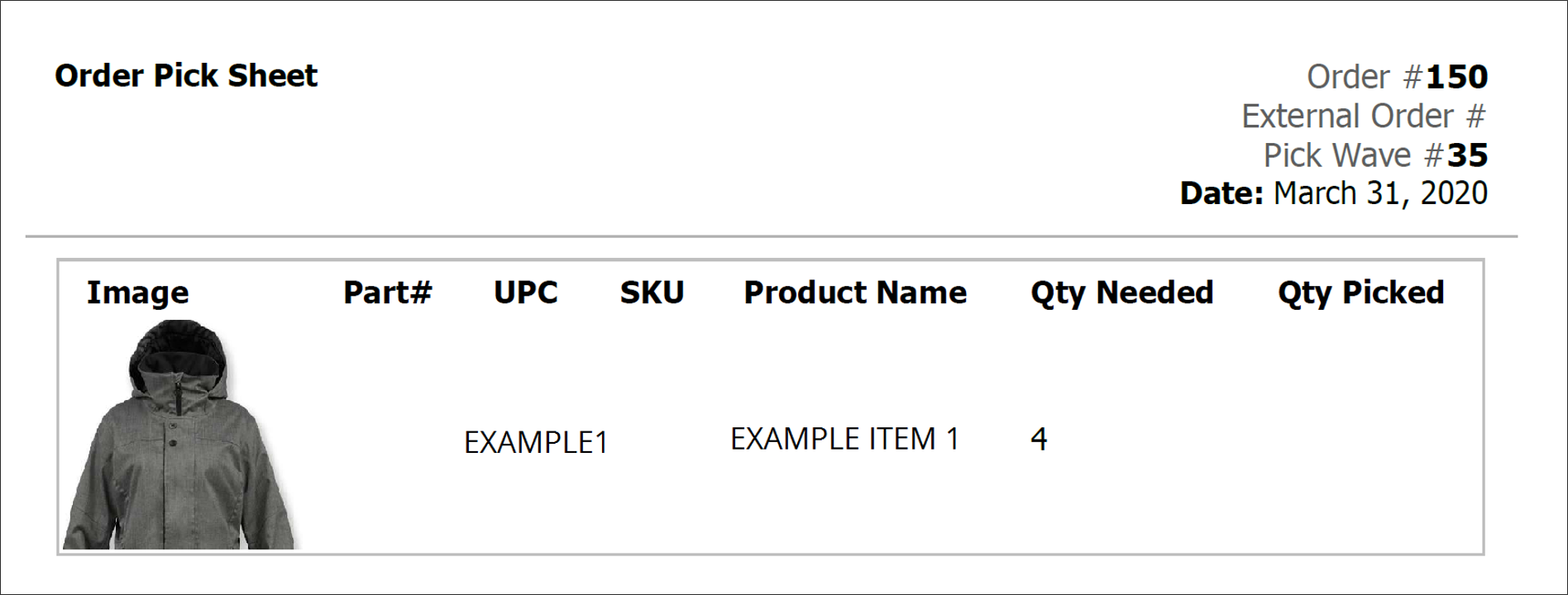
Generally, a pick sheet is for a single order while pick lists cover multiple orders for a pick wave. Both are used internally for store associates to collect the items in a pickup shipment and prepare them for the customer. This pick sheet shown below is for a single order, listing item identifiers and the quantity needed.

Watch the Video Guide

Learn how to create and manage pick waves for fulfillment

Watch: Fulfiller Overview

Get an introduction to the Fulfiller application
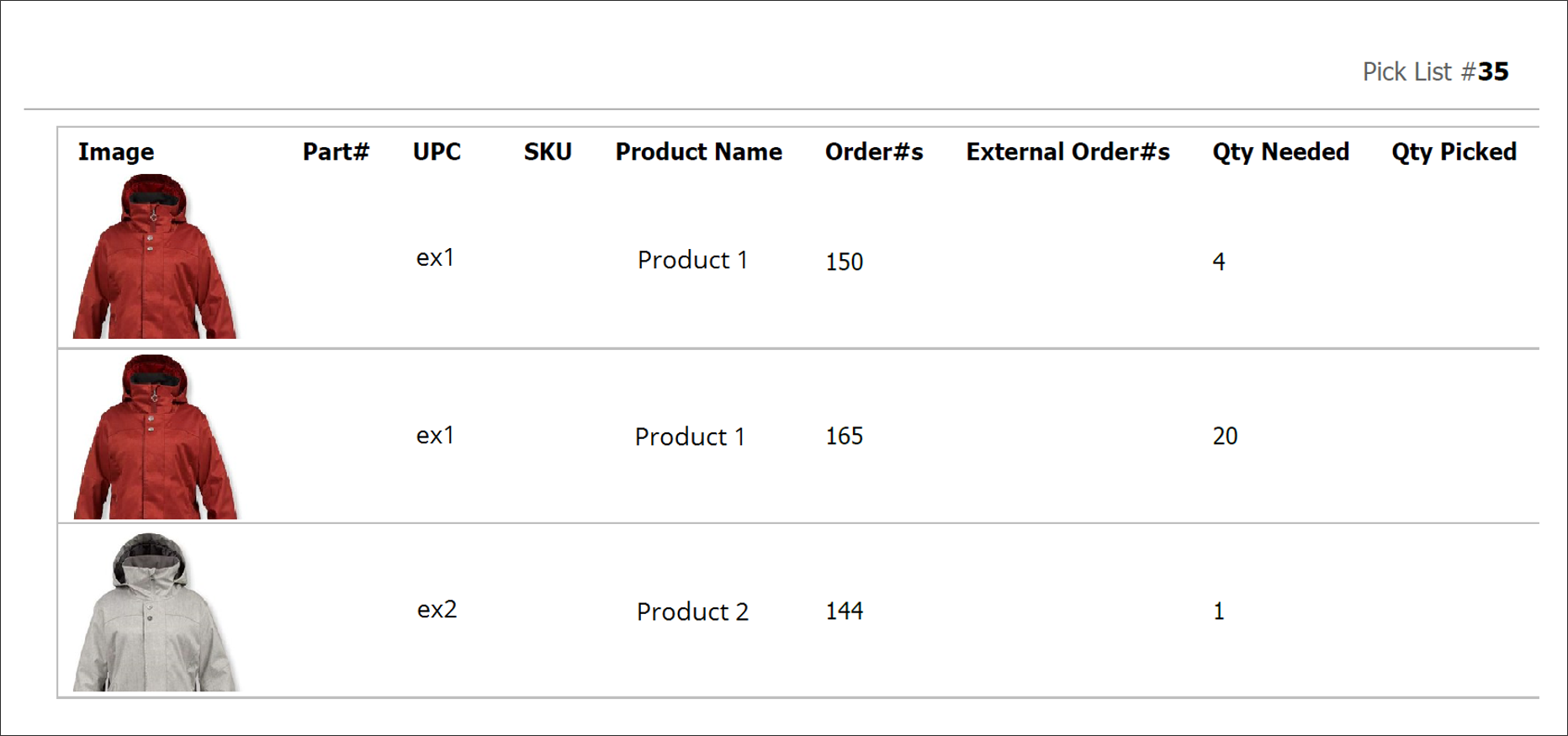
Example of an order pick sheet with one item When a pick wave is used to collect the items for multiple pickup orders at once, the items are displayed in one table with a column to designate the associated order numbers. If a particular product is included in more than one order, it appears on a separate row for each order with the appropriate quantity listed. Example of an order pick list with multiple items