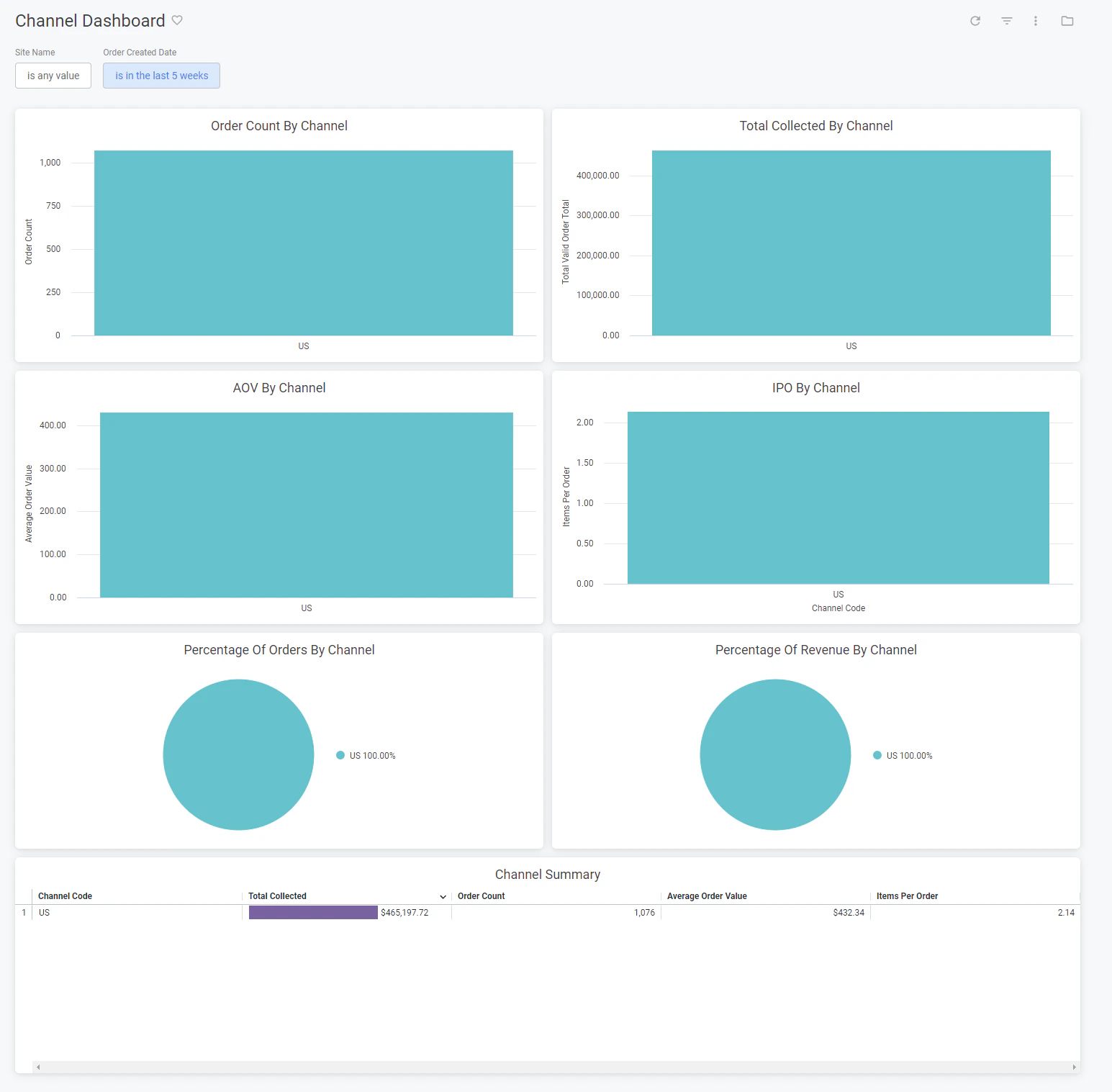
The Channel dashboard breaks down metrics by specific channels, displaying performance for a particular channel or comparing performance across multiple channels. This can be viewed under the orders topic at Kibo Standard Reports > Order > Channel Dashboard in the navigation menu.
Watch: Channels
Learn how to configure and manage channels
The supported filters that can be applied to this dashboard are:
Name
Description
Default
Site Name
Restrict results to one or more of your sites.
All
Order Created Date
Limit results to only orders created within this time range.
Past five weeks
The measures that are calculated by this dashboard are:
Name
Description
Total Collected
Sum of the total for all valid orders.
Order Count
Count of all valid orders.
Average Order Value
The order total divided by the valid order count.
Items Per Order
The count of all order items associated with valid orders divided by the count of all valid orders.
The tiles that make up this dashboard are:
Name
Description
Order Count By Channel
The count of valid orders for each channel.
Total Collected By Channel
The total collected for each channel.
AOV By Channel
The average order value for each channel.
IPO By Channel
The items per order for each channel.
Percentage Of Orders By Channel
The order count for each channel as a percentage of the order count for all channels.
Percentage Of Revenue By Channel
The total collected for each channel as a percentage of the total collected for all channels.
Channel Summary
The total collected, order count, average order value, and items per order for each channel.