

Access the Tools
With the Import-Export Application installed and enabled, go to Main > Sell > Price Lists in the Admin. On the Price Lists page, click the Import/Export extension to the left of the Create New Price List button: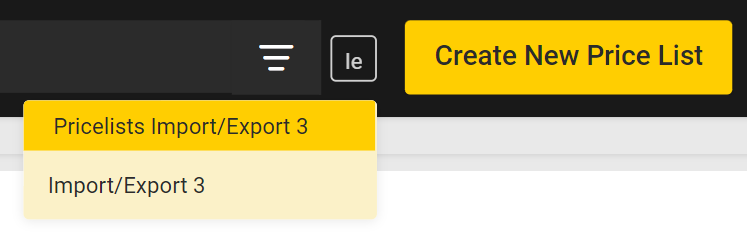
Supported File Formats
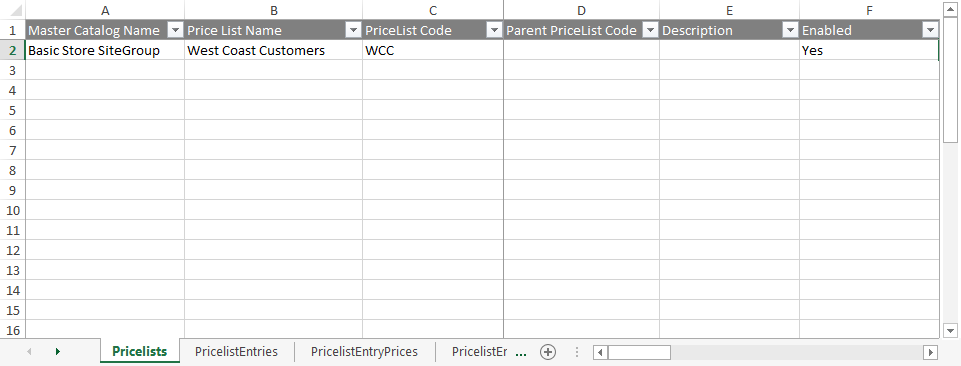
- CSV (.csv): Each sheet is a separate CSV file. For both imports and exports, sheets are compressed into a ZIP file. When importing, the ZIP file can have any file name but each individual CSV file name must match the export file name and the sheet. You can remove CSV files for data you do not want to import.