Watch: Customer Sets
See how to create and manage customer sets
Assign Customers to Customer Set
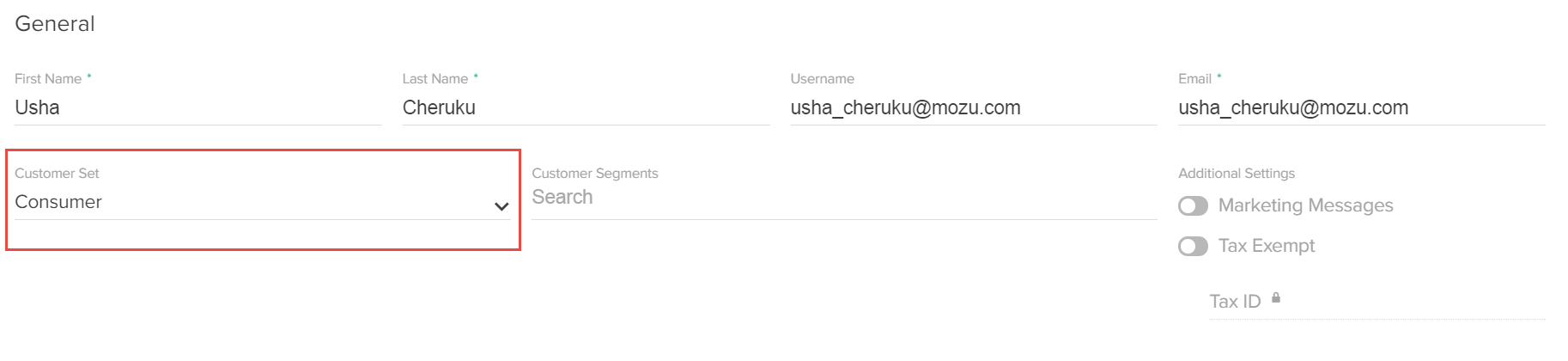
You can assign customer accounts to different customer sets if you no longer want them to belong to their current customer set. For example, you reassign several sites to a different customer set, and you don’t want the current customers of that customer set to access those newly reassigned sites. To assign a customer to a customer set:- Go to Main > Customers > Customers.
- Click a customer account.
-
Under General, use the Customer Set drop-down menu to add the customer to a customer set: