Account Access
Buyers and sellers access their storefront account options in different ways.Seller Account Access
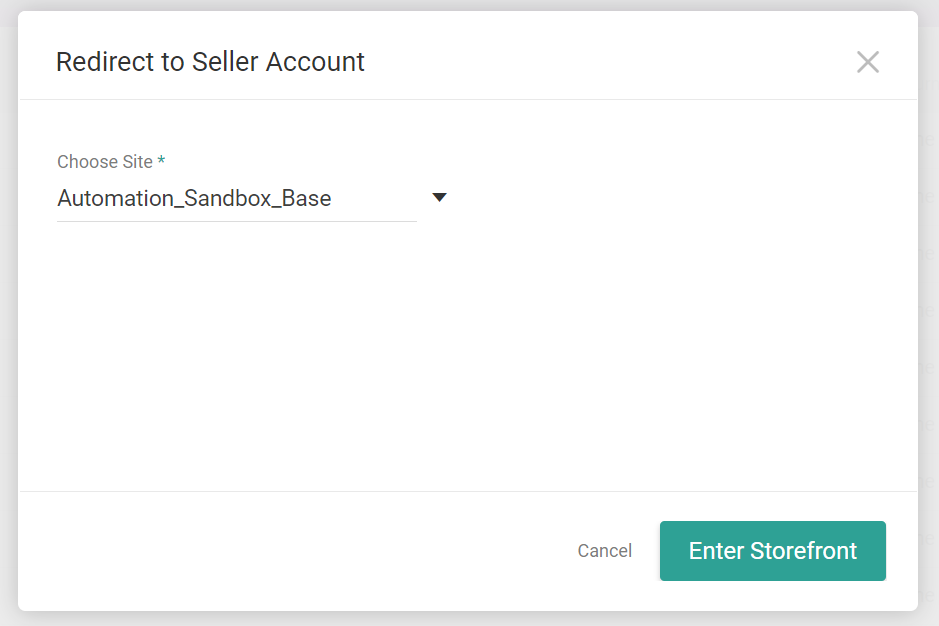
A seller should go to B2B > Seller Account Access, which will redirect the seller to the storefront where they will be able to view the product catalog and manage quotes. Kibo Admins can also access the storefront as a seller with this link.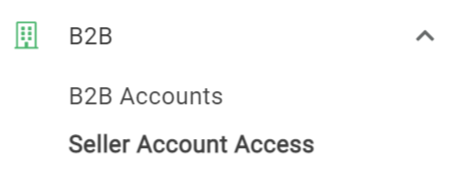
Buyer Account Access
Buyers log in directly from the storefront, usually in the top right depending on site design. They will be presented with their account information, as well as a navigation menu allowing them to view their quotes, account hierarchy, and orders.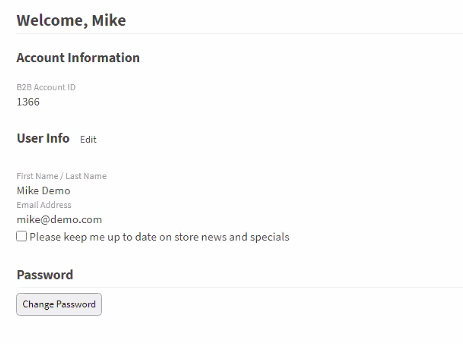
Request an Account
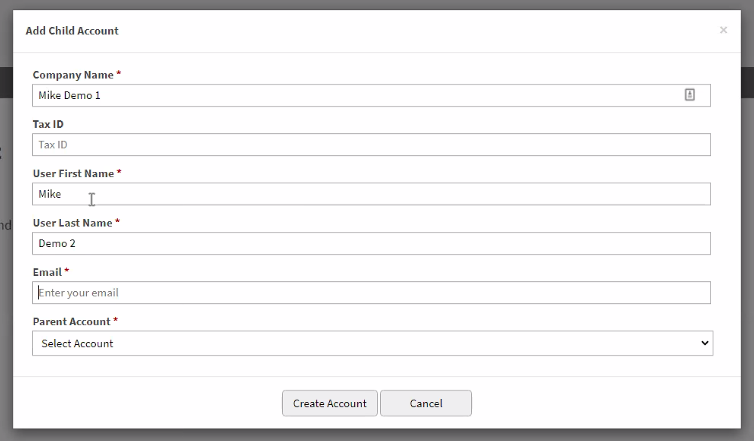
If the user does not currently have a B2B account, they may click Request a B2B Account on the storefront to request one. Buyers can submit a request for a B2B account, but only Kibo administrators and sales representatives can approve the new account. Buyers can also request accounts from the account hierarchy, as shown in the following section.Account Hierarchy
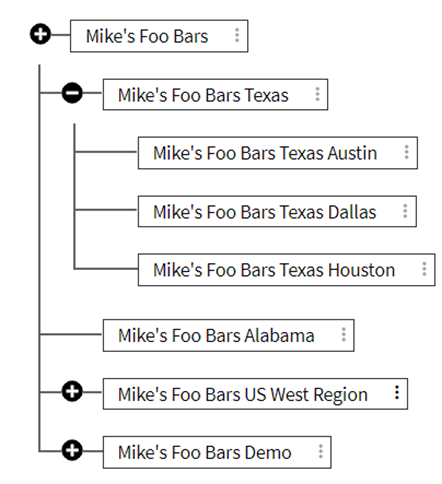
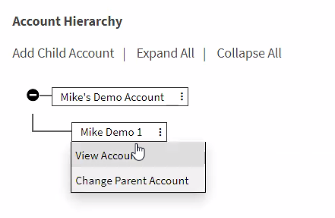
Buyers can view their B2B account and any additional child accounts that have been created on the Account Hierarchy page accessible from their storefront My Account page. Buyer admins can manage the hierarchy by adding and rearranging child accounts, while purchasers and non-purchasers can only view the hierarchy. This may be useful in cases such as the below example, where a buyer account is grouped into child accounts at different state and city levels.