How Blocking Works
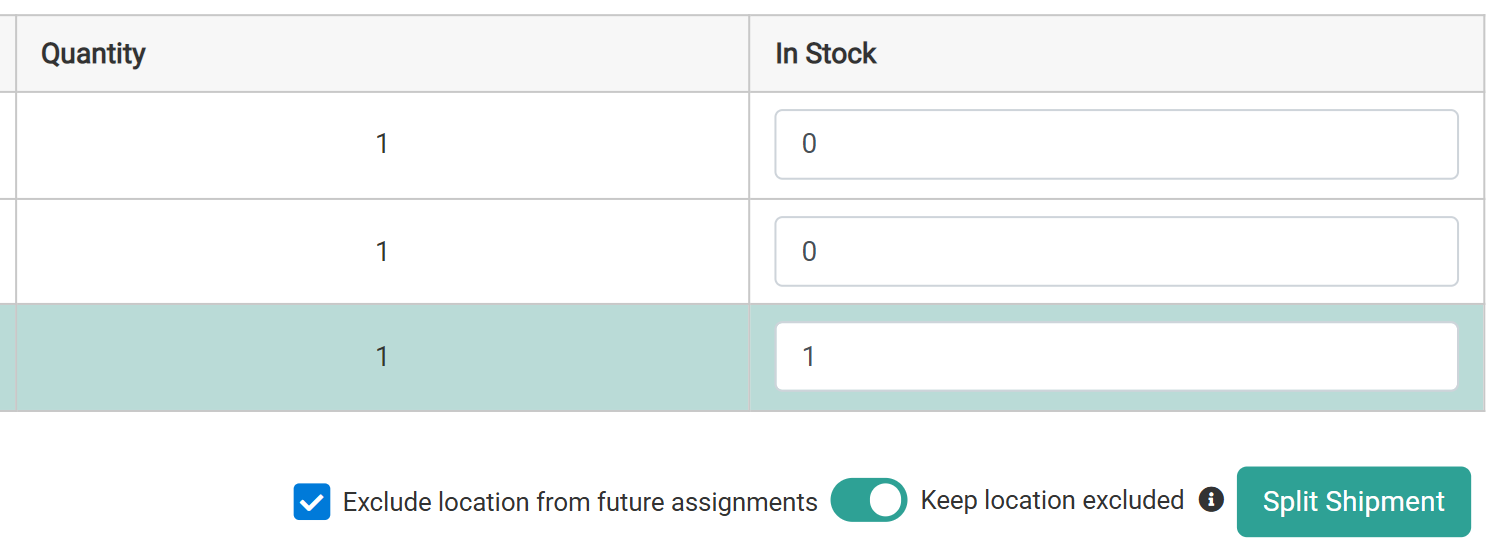
When there is incomplete stock for a shipment, such as in the Validate Stock step, there are two blocking options that can be enabled.- Exclude location from future assignments: When enabled, Order Routing will ignore the location when assigning shipments with the unavailable product(s) for a period of time. This corresponds to
blockAssignmentin the Block Assignment API. - Keep location excluded: By default, Order Routing will ignore the location when assigning shipments with the unavailable product(s) until inventory records are refreshed. Enable this option to continue blocking assignment after the inventory refreshes instead. This corresponds to
holdBlockAssignmentin the Block Assignment API.
View and Update Blocks
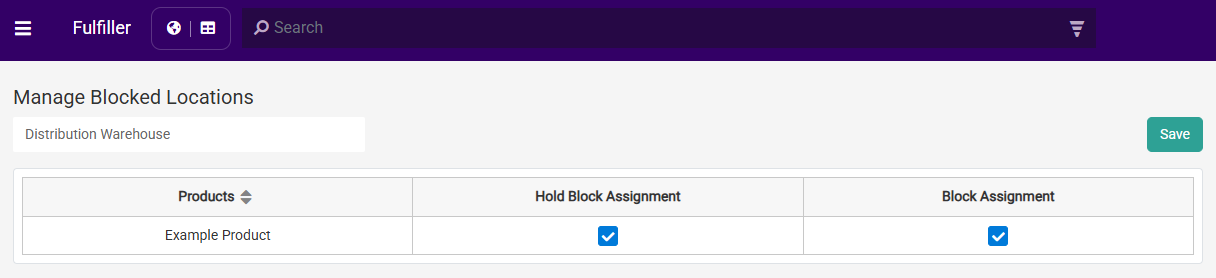
Click Manage Blocked Locations from the Fulfiller UI navigation menu and then select a location from the drop-down menu to view a list of all products that have been blocked from assignment to that location. Columns for Hold Block Assignment and Block Assignment indicate which options have been enabled for each product, which you can check and uncheck to change your blocking preferences. Click Save after making changes.