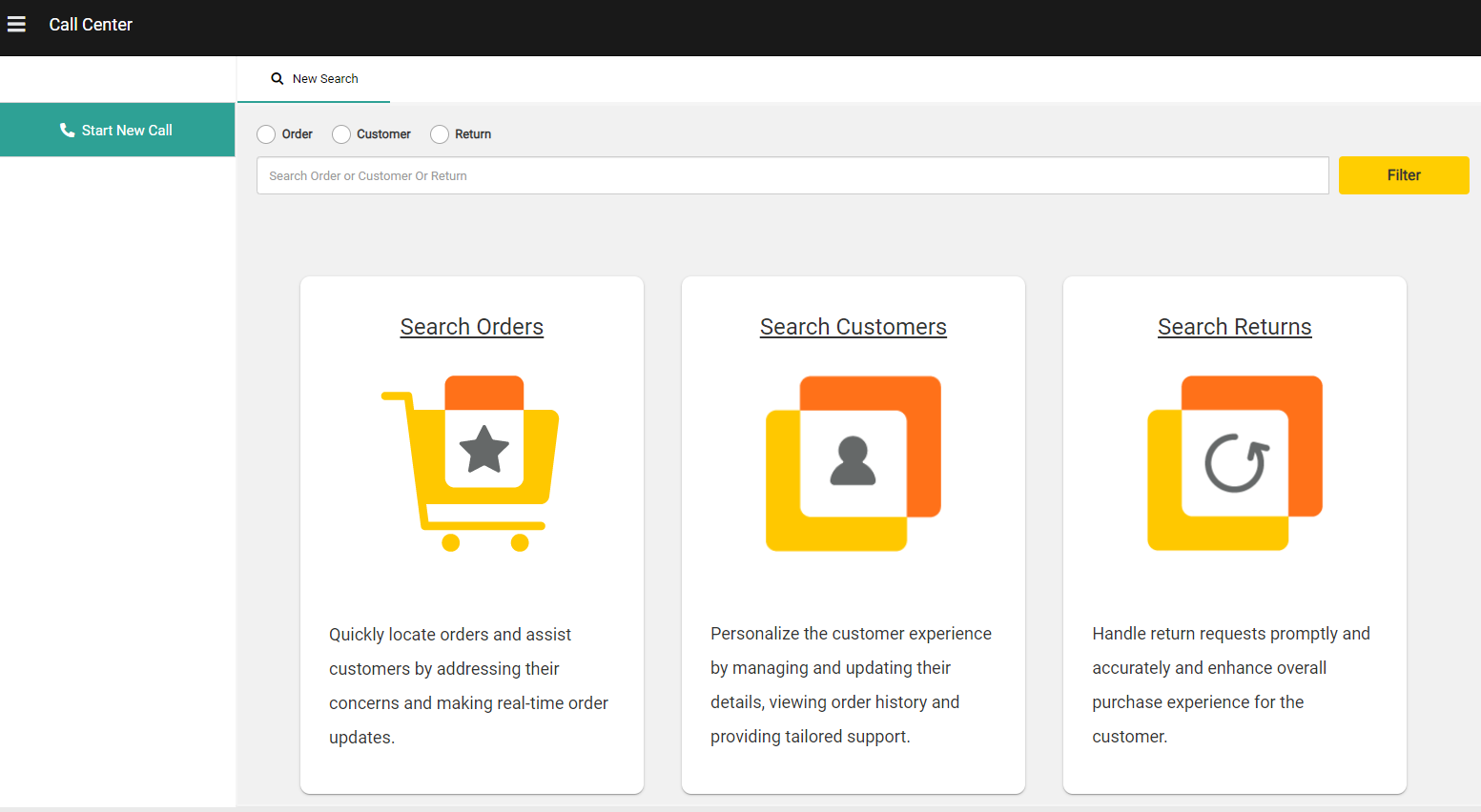
Customer service representatives (CSRs) can use the Call Center UI to access customer accounts, orders, and returns on a single page to streamline the resolution process and optimize customer interactions. related tasks can also be grouped under customer sessions to improve their workflow. These comprehensive tools allow CSRs to handle requests more quickly and improve their service quality.Documentation Index
Fetch the complete documentation index at: https://docs.kibocommerce.com/llms.txt
Use this file to discover all available pages before exploring further.
Access the Call Center
Submit a request to Kibo Support if you want to use this feature, as it must be enabled in your tenant settings. Once enabled, the user interface will be available at Main > Call Center for users with appropriate permissions (such as the Order Manager role) to view the Catalog and access customers, orders, and returns. The link will not be displayed for users without these permissions.