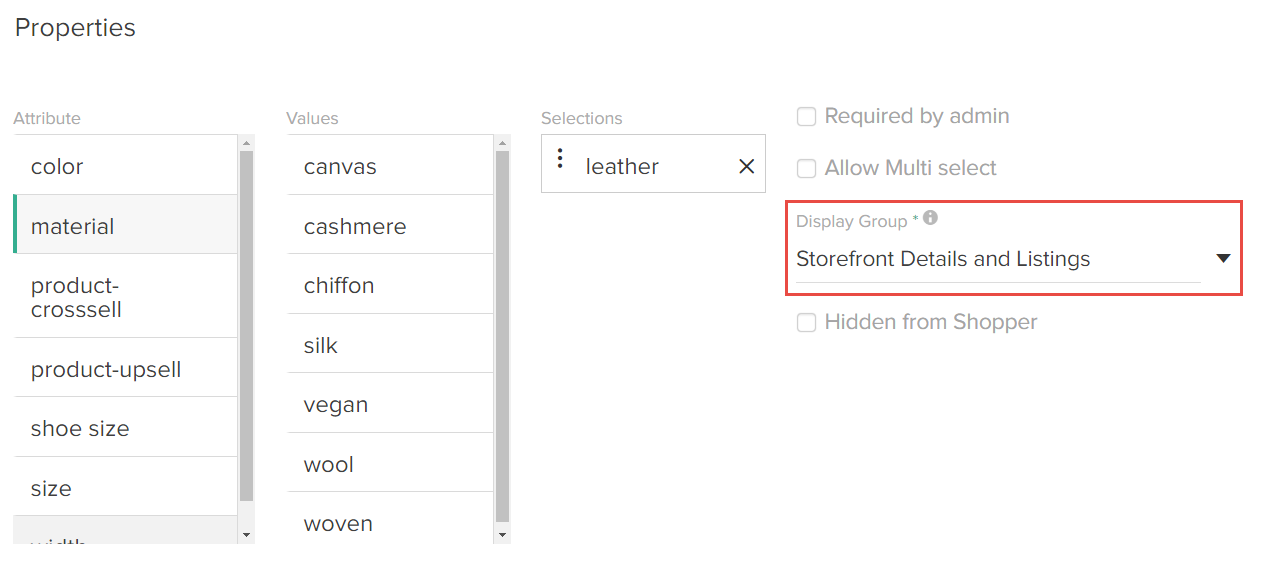
Display Group Options
Refer to the following table for more information about the possible display group selections:| Display Group | Description |
|---|---|
| Storefront Details and Listings | The property and its values are available on product detail pages as well as product listing pages, such as categories and search results. |
| Storefront Details | The property and its values are available only on product detail pages. |
| Admin Only | The property and its values are not available on storefront pages, and display only in Admin. |
Set Display Group
To specify a Display Group selection:- Go to System > Schema > Product Types.
- Click the product type you want to assign to a display group.
- In the Properties section, select a value in the drop-down Display Group menu.