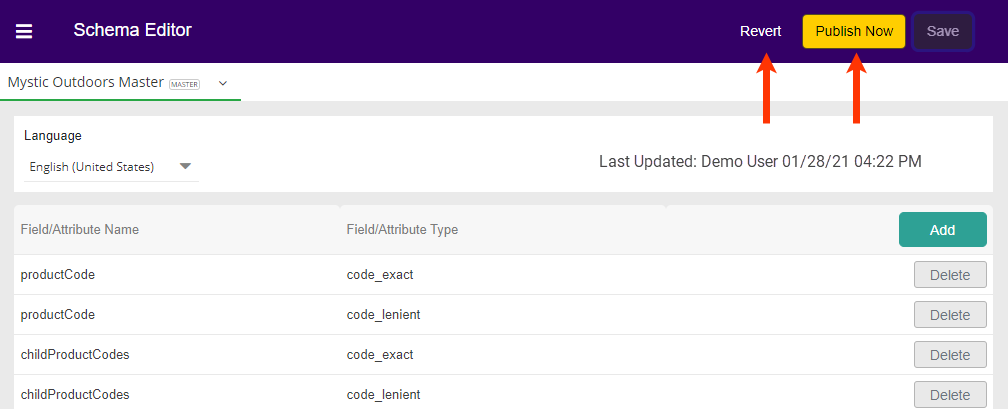
- From the list, click Add.
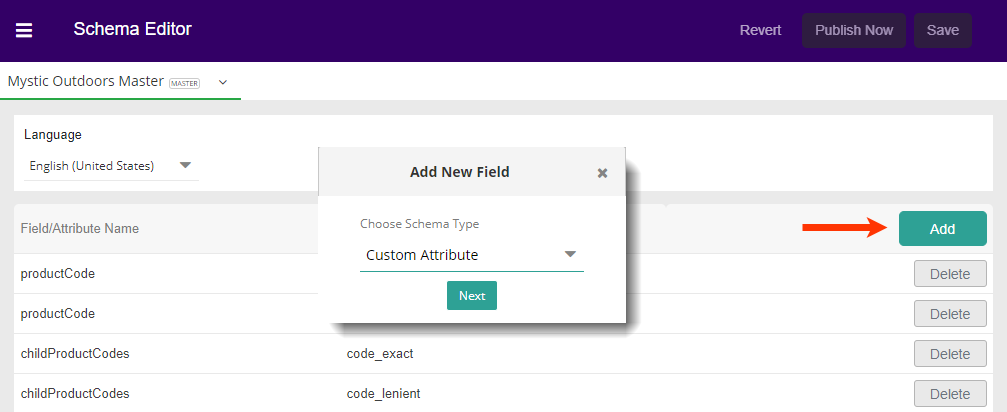
- Choose Custom Attribute from the Schema Type drop-down menu and then click Next.\
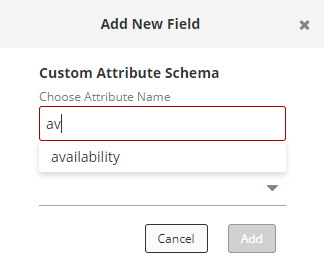
- Search for the field you need by typing and then selecting from the available choices. Because these are more numerous than Core Fields, there is no drop-down to scroll to your selection.\
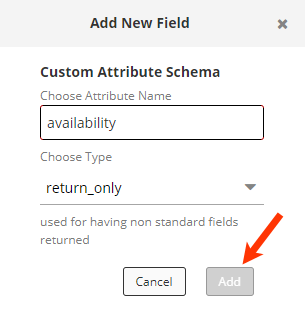
- Choose the Type and then click Add. The popup will close, and the new entry will be visible in the list.\
Watch: Product Attributes
Learn how to create and configure product attributes
Saving Changes
Any changes made to the Schema Editor will enable the Save button.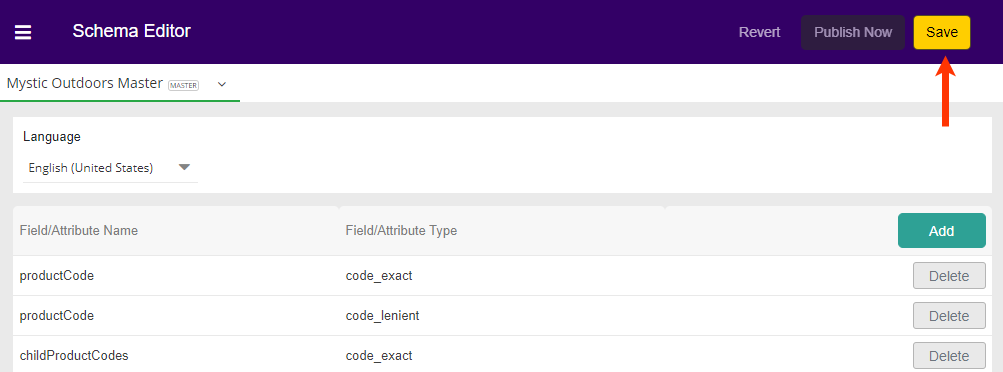
- To have your changes reflected in your site, click Publish Now.
- If you have made and saved changes in error (but not yet published), then you may click Revert to go back the prior saved changes. This will not revert to a former published version unless there have been no other saved changes.