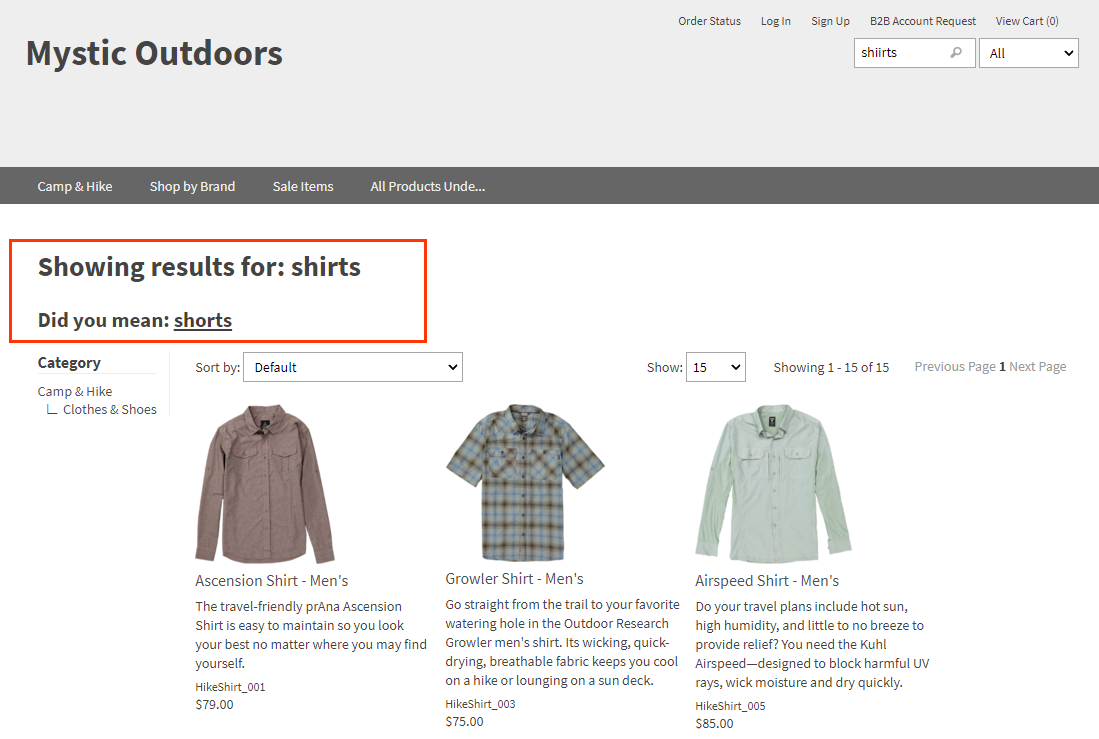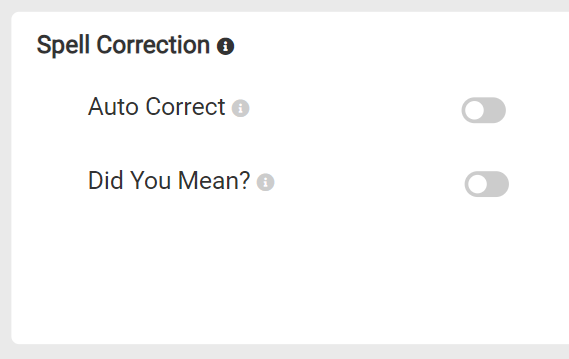
No Spell Correction
In this example, the misspelling “shiirt” is entered as a search query. Since neither Auto Correct nor Did You Mean are enabled, no search results are available.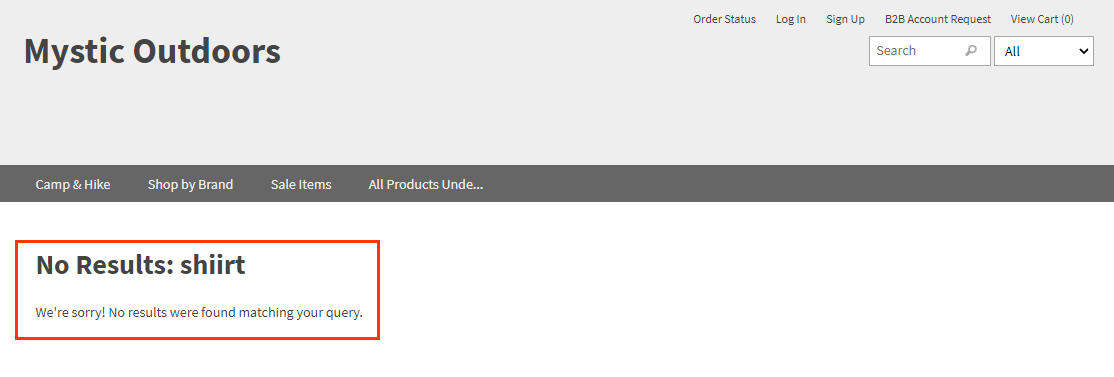
Auto Correct
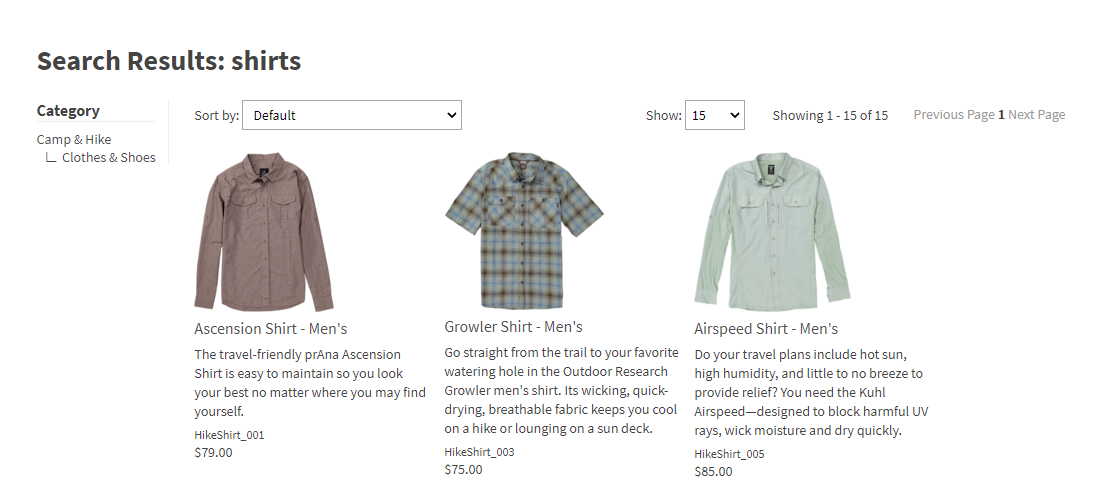
Enabling this feature ensures that if there are no results for a given search after minimum match retries, the query will automatically switch to the corrected search term. In this example, the misspelling of “shiirt” is automatically corrected to “shirts” and results are shown for the corrected term.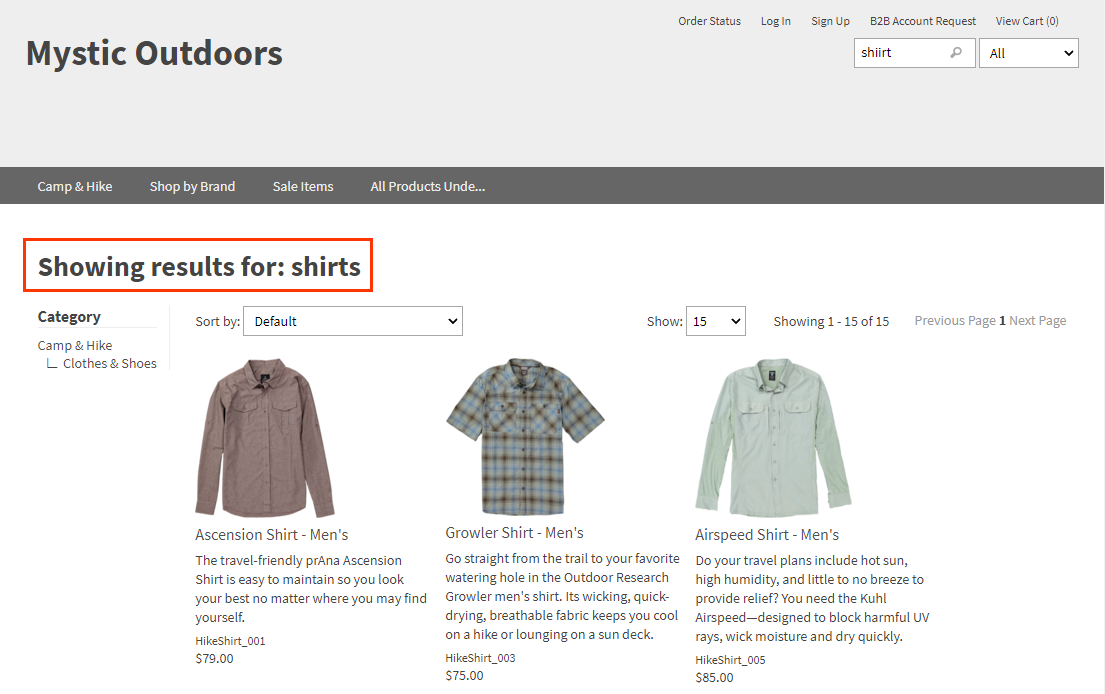
Did You Mean
Enabling this feature ensures that if there are more results for an alternate query than the submitted term’s query, the results page offers the alternate query as a suggested link. In this example, the misspelling of “shiirt” has no results, so the suggested term with the next highest number of results, “shirts,” is shown.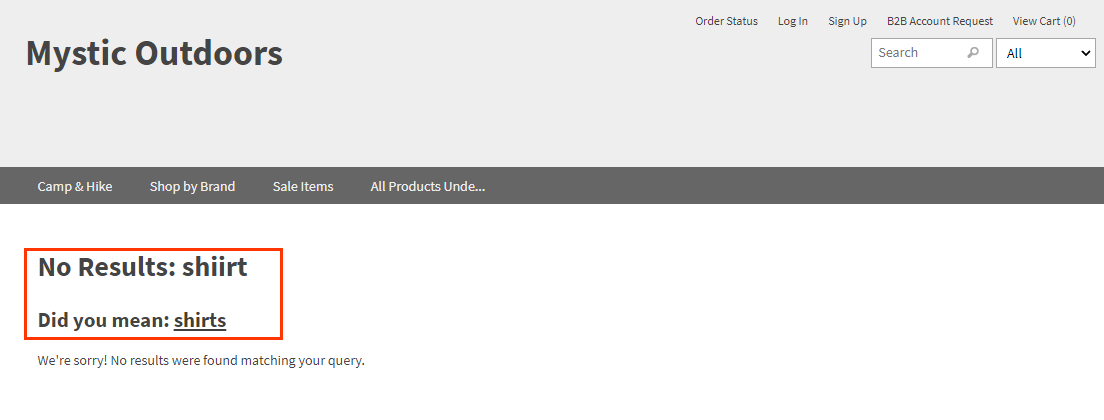
Combining Spell Correction Features
In this example, the misspelling of “shiirt” is automatically corrected to “shirts” with those results shown. However, since there are results for another similarly spelled term, “shorts,” that is also shown as a suggested term with a link to those results.