Watch: Search Configuration
Learn how to create and configure search settings
Watch: Merchandizing Rules
Learn how to create and manage merchandizing rules for search and categories
Watch: Search Facets
Learn how to create and manage search facets for filtering products
Watch: Splainer.io
Learn how to use Splainer.io for debugging and analyzing search results
Navigation
To access from the home page, click MAIN in the left-hand navigation, click the Search drop-down menu, and then click Configuration.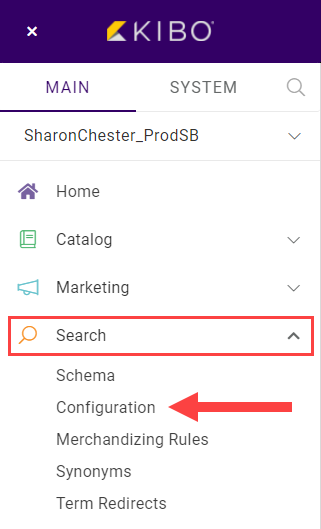
List Entries
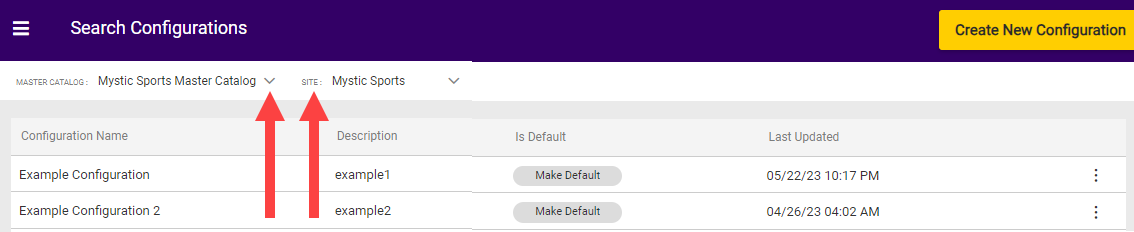
As with the Schema Editor, Search Configurations are controlled inside of a catalog/site combination. You can create various settings, but only a single setting can be marked as the Default and applied to your site at a time. You can change the default setting at any time as needed if, for example, you create a setting for an event such as a promotion. In that case, set the promotion setting as the default during the appropriate time period, and then return to your standard default when it’s over. Changes to existing settings can be started by clicking Edit or Delete at the end of the row. Any setting can be deleted except for the default.