 |
| Platforms: KCCP eCommerce and eCommerce+OMS |
Setup Overview
The following steps are required before you can use Stripe on your site(s):- Reach out to your SI partner or Kibo’s professional services and enablement team for assistance installing the application.
- Kibo will install the application and configure your payment gateway adapter.
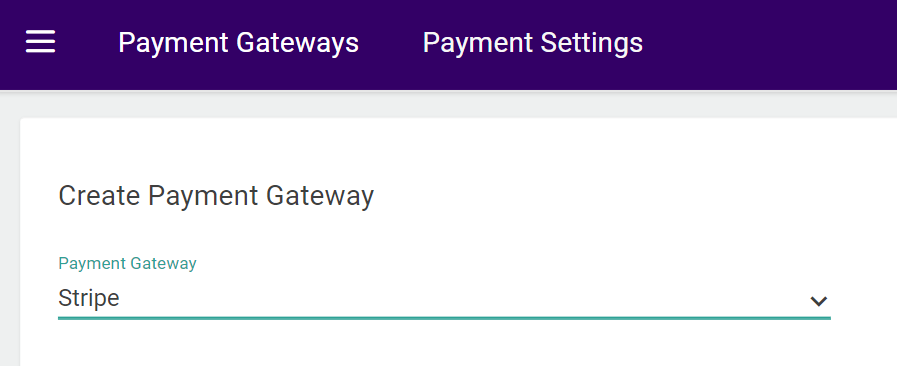
- Create a Stripe gateway on your Payment Settings page.
Enable the App
After configuration, you can go to System > Customization > Applications in the Admin UI and confirm that the Stripe Integration application is listed and enabled. You can disable it here if ever needed.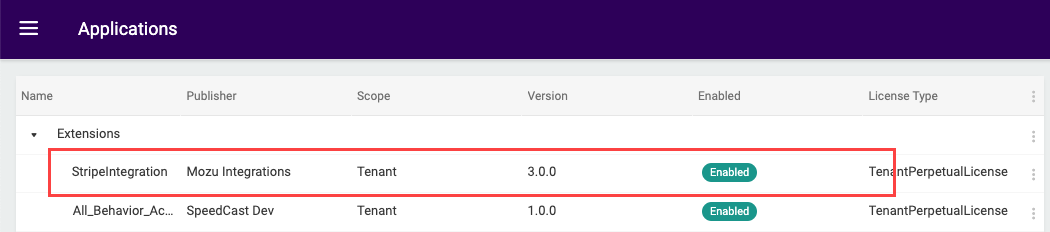
Configure Payment Gateway
Create a new payment gateway for Stripe:- Go to System > Settings > Payment Gateways.
- Click Create New Payment Gateway.
- In the Payment Gateway drop-down menu, select the Stripe app.
- Provide your Secret API Key.
- Click Save.