View Templates
To view the packing slip templates that have been installed on the theme:- Go to Main > Content > Editor.
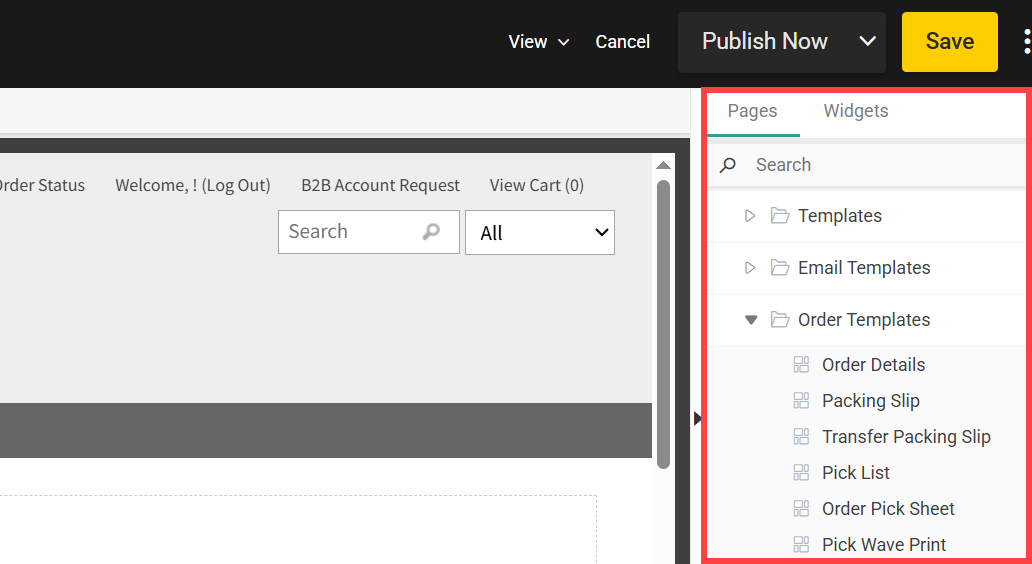
- Click Pages > Order Templates in the navigation menu on the right.
- Click a template to view it on the page. This will show you where all shipment data would be displayed when the slip is printed.
Customize Templates in the Site Theme
Packing slips can only be viewed in the Content Editor, not modified. To modify packing slips, you (or a member of Kibo Professional Services) must edit the template files in your custom theme. This is the same process as customizing email templates, with similar Hypr syntax and the ability to plug API variables into the content. For more detailed instructions about how to edit theme files and Hypr templates, use the Email Customization documentation as a reference.Examples
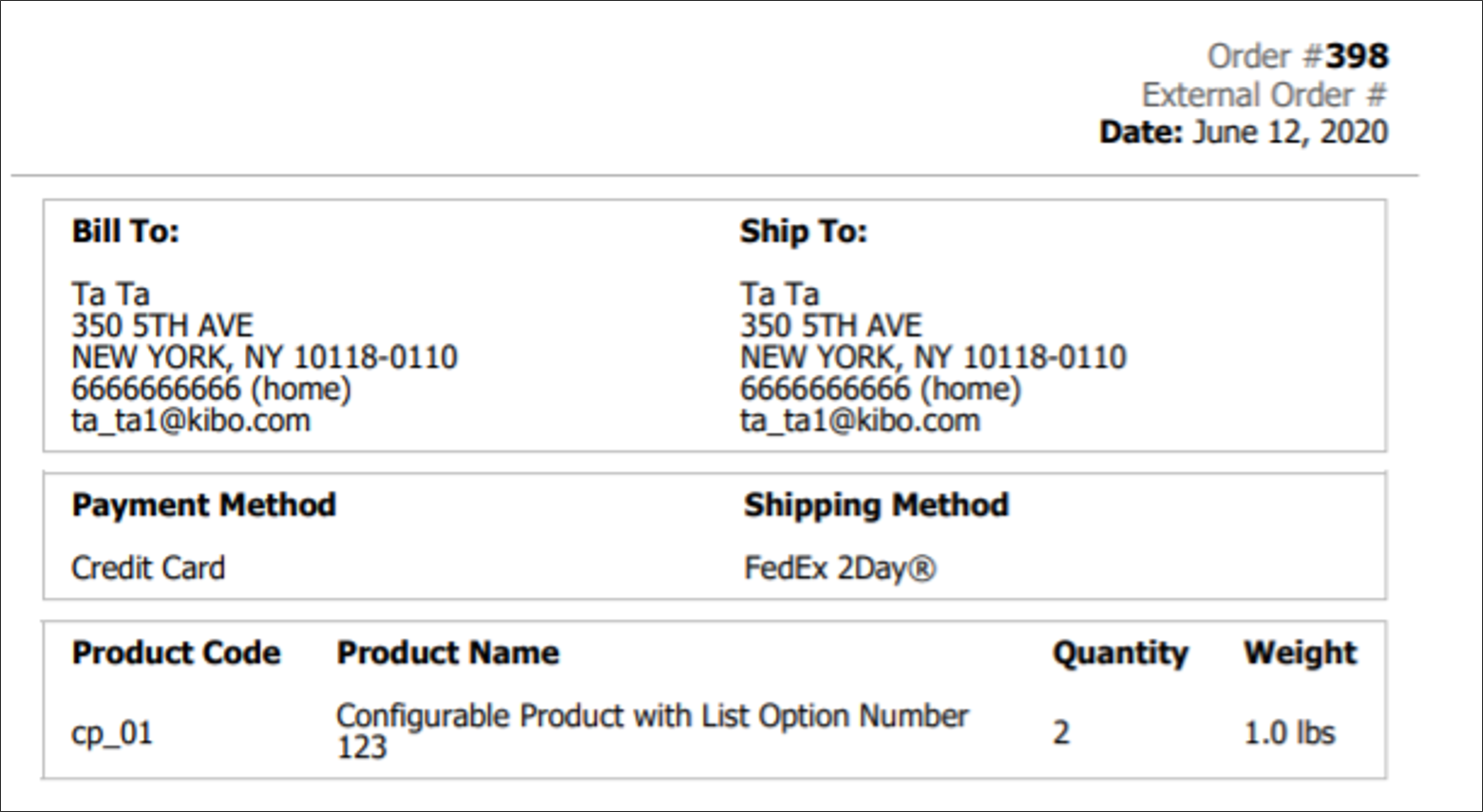
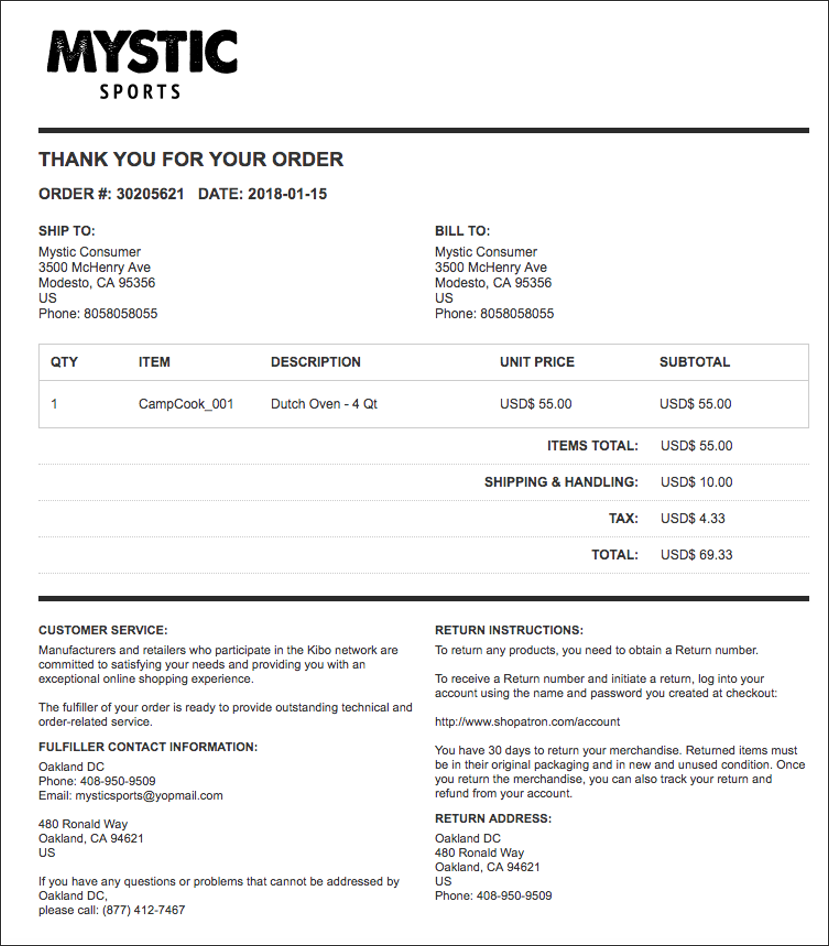
Packing slips generally include information about the order and shipment items, contact details for customer service and stores, return instructions, and more. A basic slip is shown below.