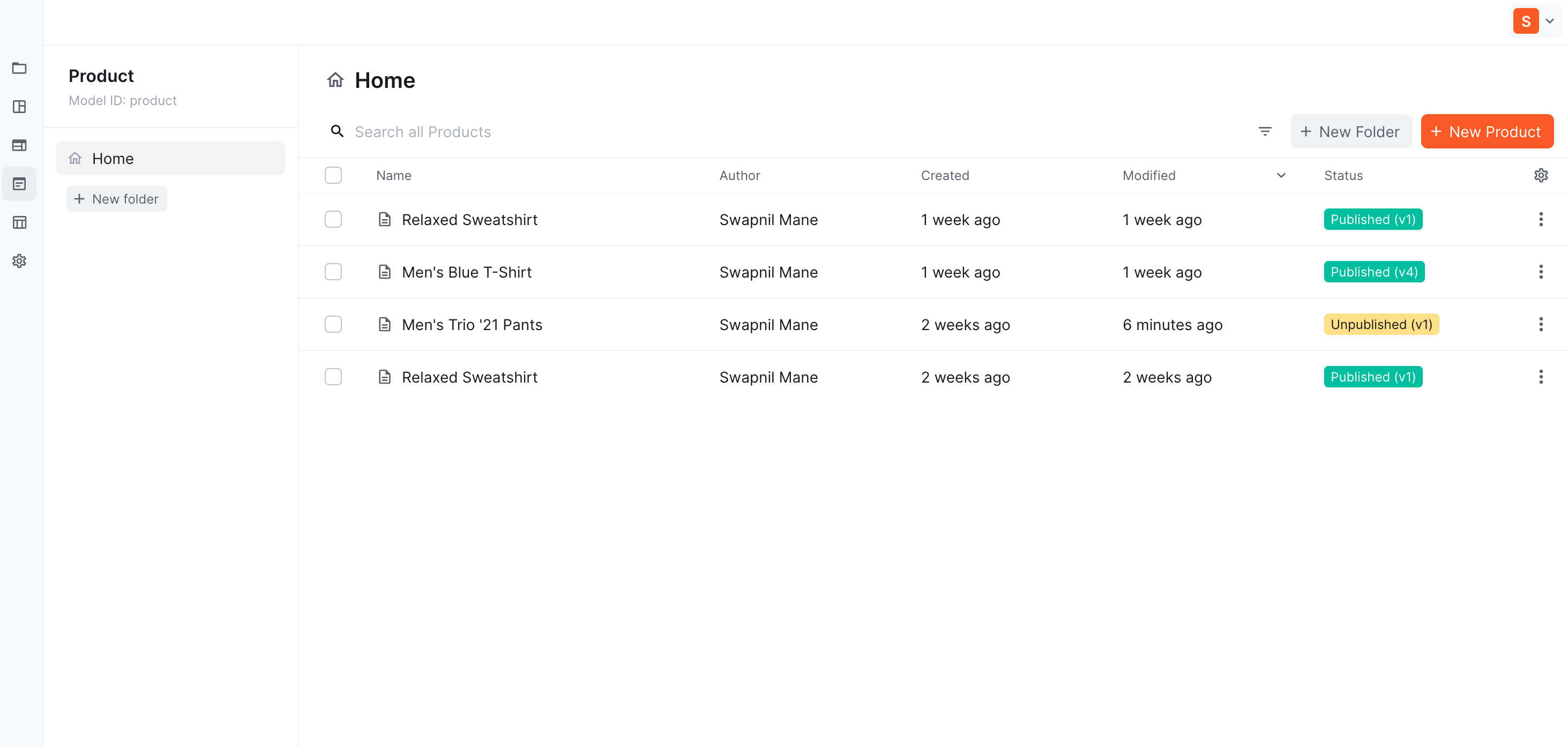
Content Model
The first step to storing information in a Kibo CMS is to create your content model. If you’re new to the Kibo CMS world, this term may be unfamiliar to you, but it’s simple to understand.
- Name (Text Type)
- Description (Long Text)
- Price (Number)
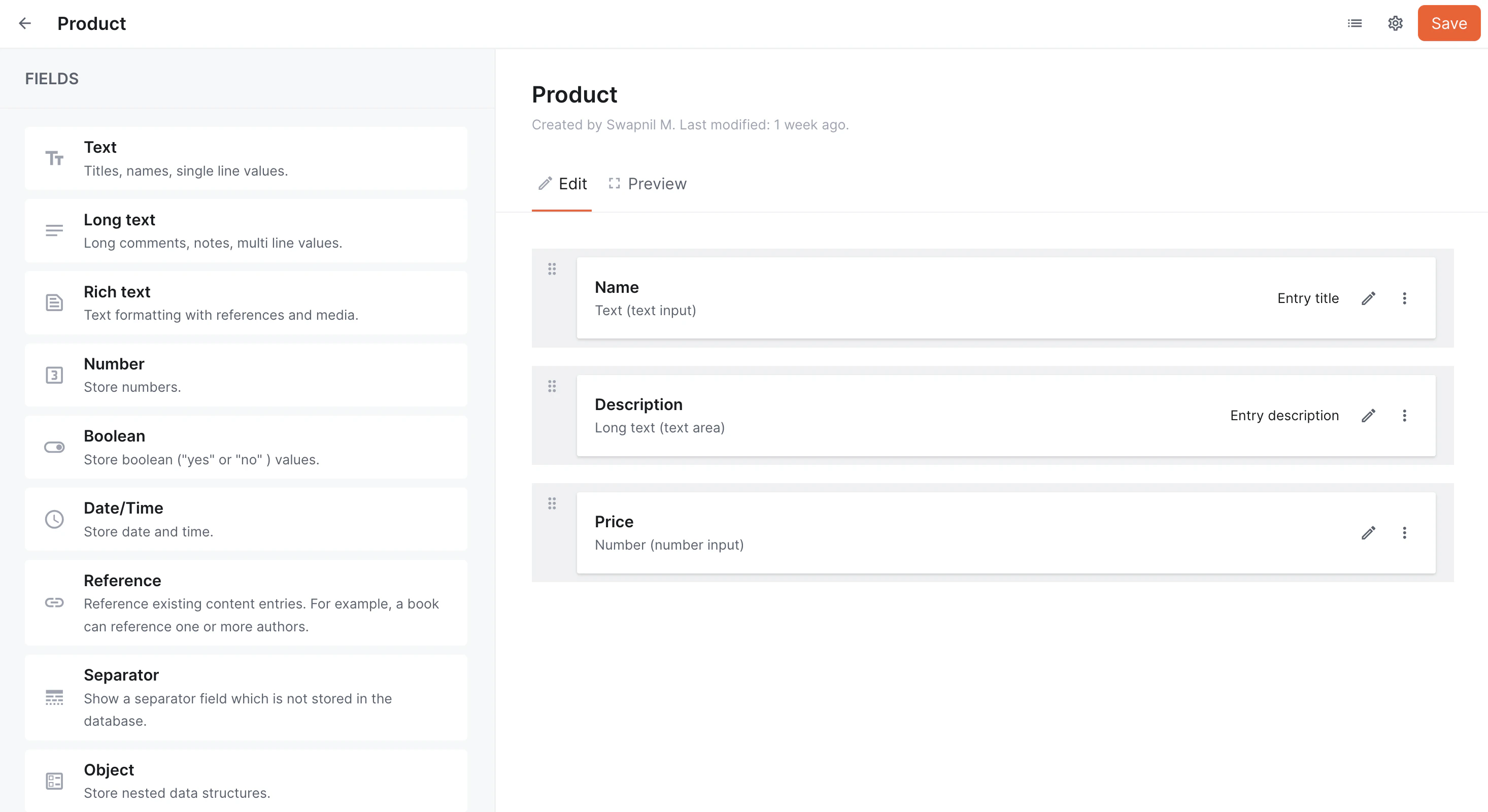
Field / Field Type
As mentioned in the content model section, every content model is a collection of fields, and each field has a type. The field type defines the kind of content you want to store. Kibo CMS supports the following field types:Content Entry
Each record that you store in the content model is a content entry. For example, a new product record created with the following information is a content entry.
This one record is a content entry, and each content model will contain multiple content entries.