

Payment Interactions
Payment information is stored in the commerce/orders/payments resource. You can view specific gateway response information under theinteractions object on this payment, such as in:
gatewayResponseCode and gatewayResponseData values.
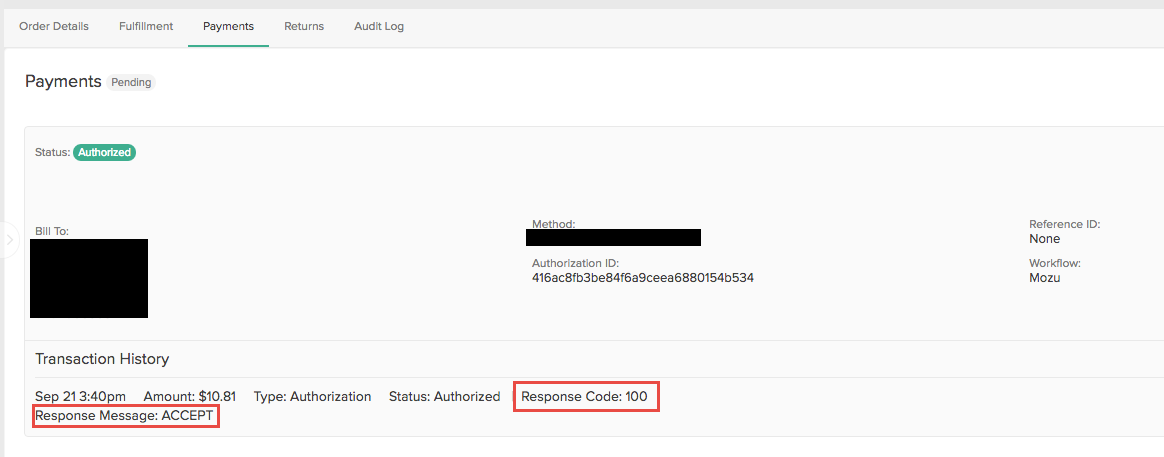
Gateway Response Code and Text
Each payment gateway returns specific gateway response codes and text that are unique to the payment gateway. The response code is stored in thegatewayResponseCode property and the response text is stored in the gatewayResponseText property.
For example, a response code of 32 from Authorize.Net would be displayed as:
Gateway Response Data
Kibo also captures additional response data that’s unique to each gateway in the payment object. This response data is displayed as a list of key:value pairs in theresponseData object:
isPending=true after initiating an authorization, capture, void, or credit, then the payment will be moved into the appropriate pending state:
- AuthorizePending
- CapturePending
- VoidPending
- CreditPending