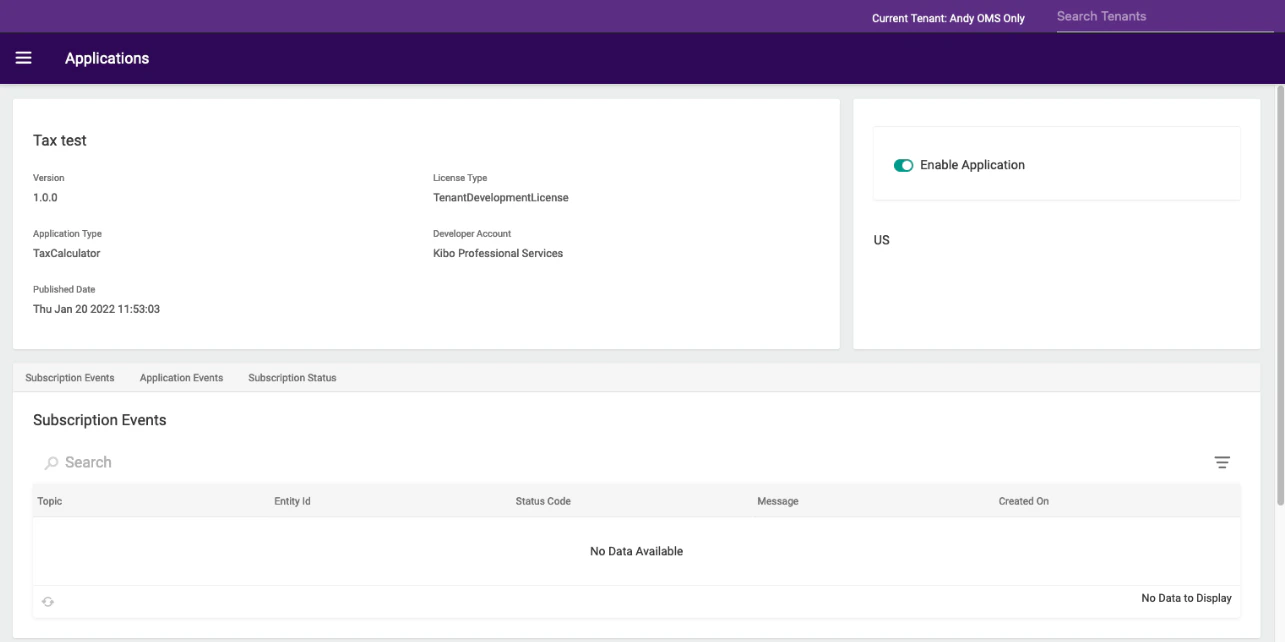
Approach 1: Using estimateTaxes API Extension
This approach is used after creating a new API extension application. The following steps set a tax response using the estimateTaxes API Extension:- Create a new API Extension Application. Refer to the API Extension document.
- Use the API Extension function.
- The Estimate Taxes (Before) file is shown in the following code block:
Approach 2: Using Tax Calculator Capability
This approach helps you to add tax calculator capability through the Kibo commerce application. The following steps add a tax calculator capability:- In Dev Center, navigate to Develop > Applications > Packages > Capabilities.
- Click Add Capability.
- Search for Tax Calculator in the Add Capability modal and click Ok.\
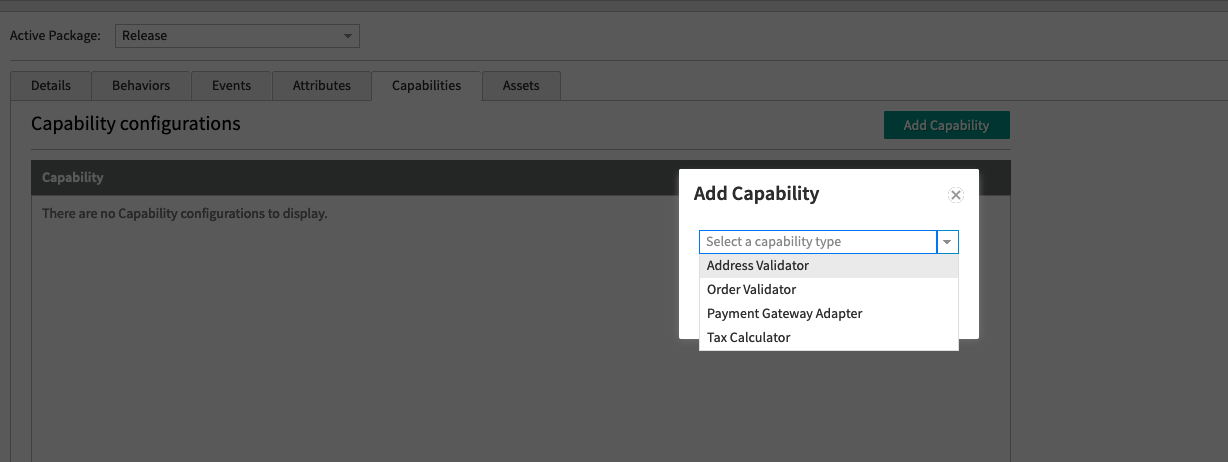
- Enter the external URL that receives the tax request and responds with the tax response. It will post to the URL directly and does not add any path.
- Select the country you want to enable it for. Press the “Enabled” toggle to enable the calculator. It might take a minute to start working.\