> ## Documentation Index
> Fetch the complete documentation index at: https://docs.kibocommerce.com/llms.txt
> Use this file to discover all available pages before exploring further.
# Quick Orders
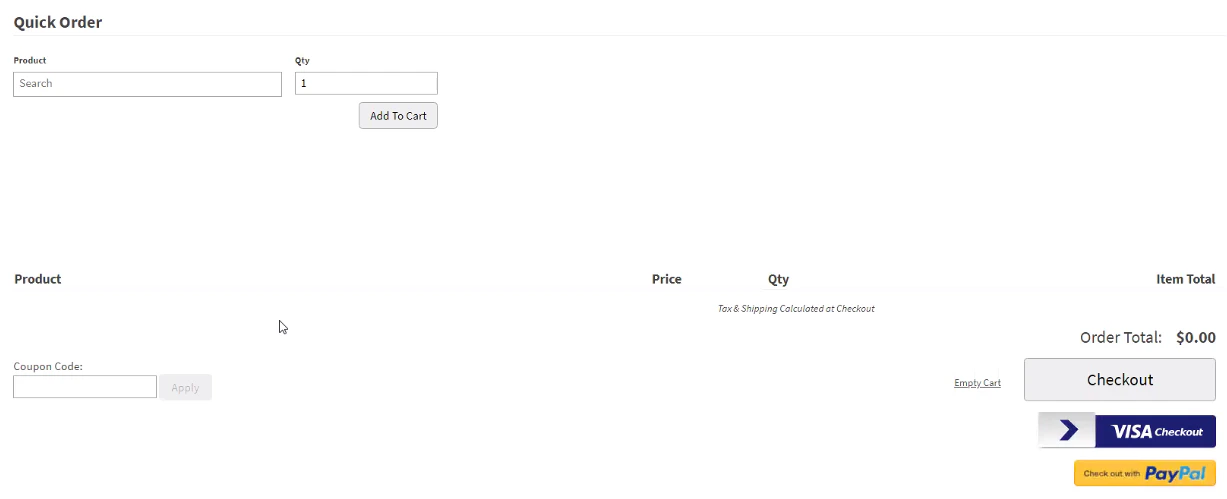
When logged in to the storefront, a buyer can click **Quick Order** from the account options to open the Quick Order form. This is useful when the buyer knows the name or product code of the items they need to purchase and do not need to browse for the product page.
Learn about shopping cart and checkout workflows
See the Cart API documentation for programmatic access
From this form, the buyer can also save their selected items to a new product list, storing them for future reference.