> ## Documentation Index
> Fetch the complete documentation index at: https://docs.kibocommerce.com/llms.txt
> Use this file to discover all available pages before exploring further.
# Pick Lists and Sheets
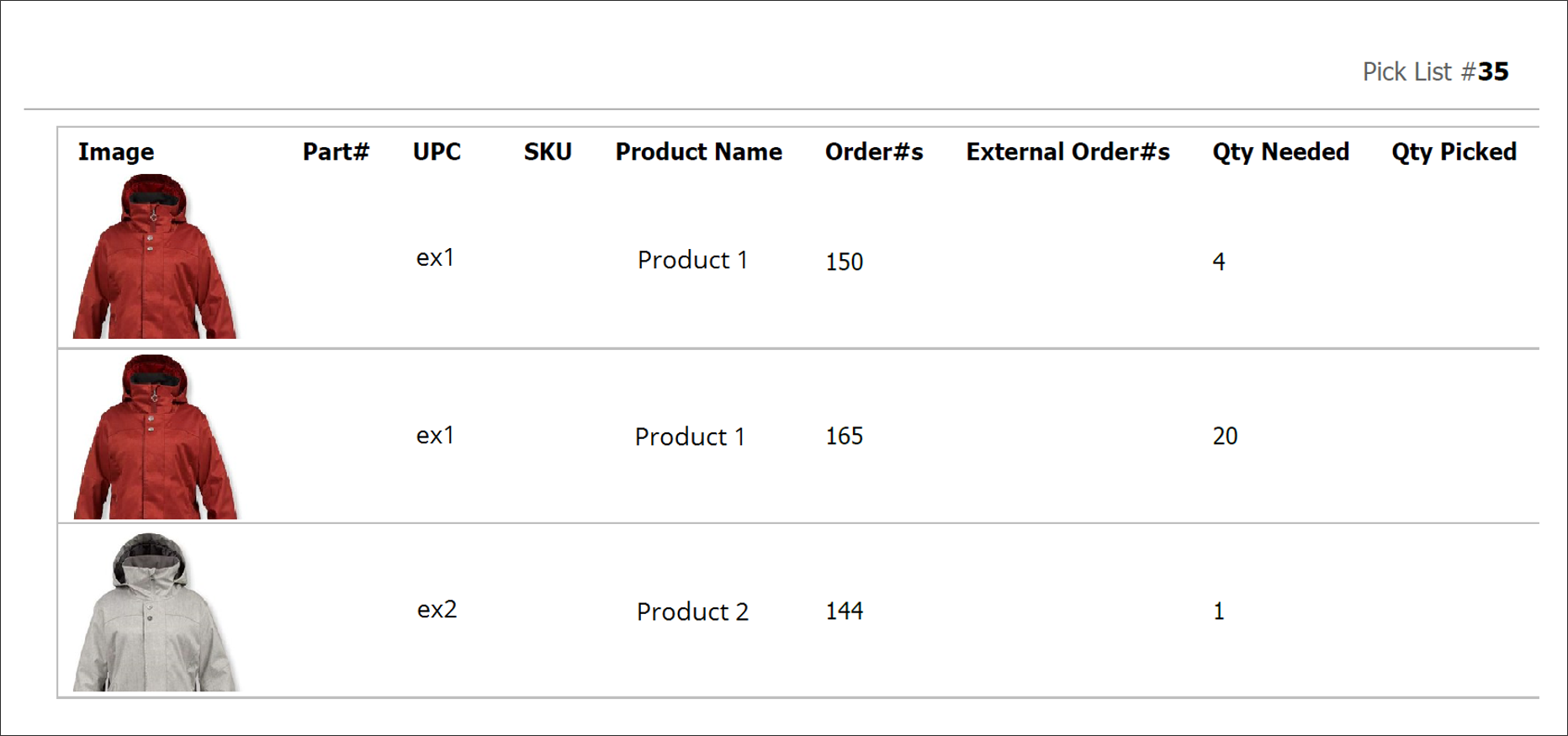
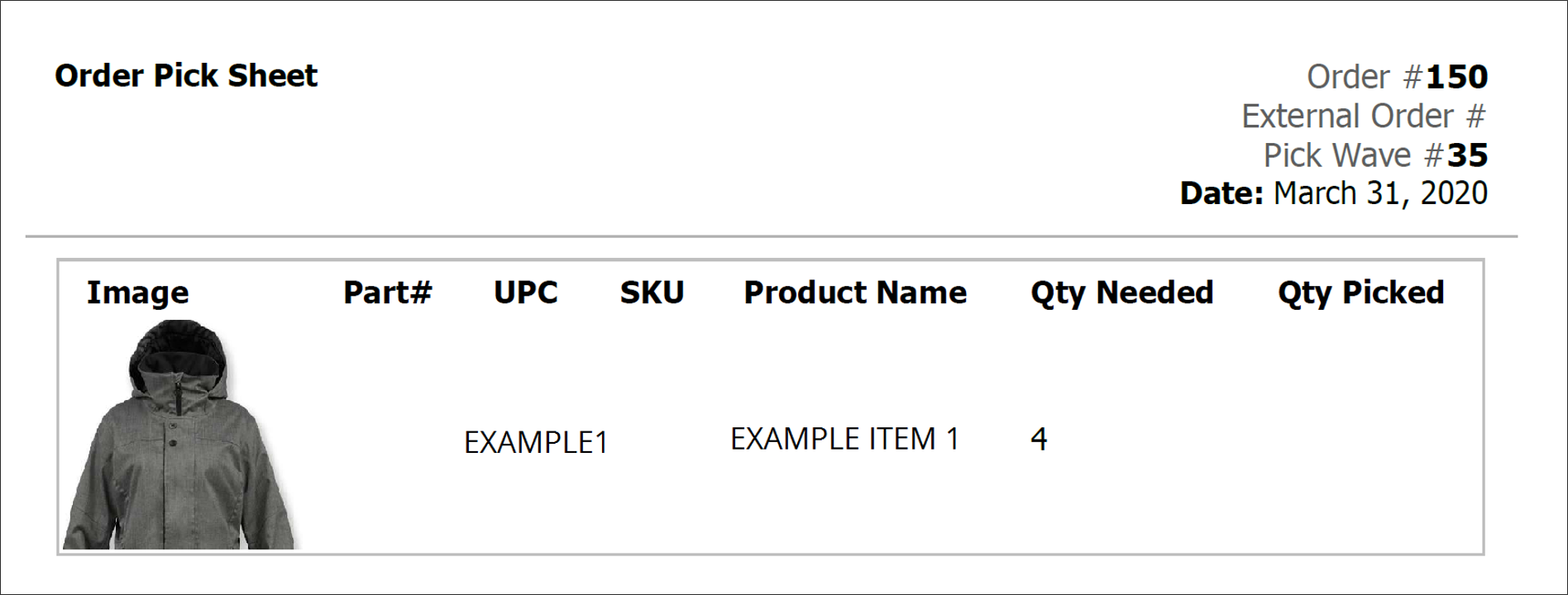
Generally, a pick sheet is for a single order while pick lists cover multiple orders for a pick wave. Both are used internally for store associates to collect the items in a pickup shipment and prepare them for the customer. This pick sheet shown below is for a single order, listing item identifiers and the quantity needed.
Understand the broader fulfillment architecture and workflows
Understand service level agreements for fulfillment
See the Shipments API documentation for programmatic access
Learn how to create and manage pick waves for fulfillment
Get an introduction to the Fulfiller application
 When a pick wave is used to collect the items for multiple pickup orders at once, the items are displayed in one table with a column to designate the associated order numbers. If a particular product is included in more than one order, it appears on a separate row for each order with the appropriate quantity listed.